Purple Lab · AI tools for commerce
We mix formulas for selling online.
Purple Lab builds AI tools for brands and stores. Each one is a formula: tested in the lab, then released on the platforms you already sell on.
Formula 01, Virtual Try-On for Shopify, is live now.
Move across the flask · scroll to exploreDrag across the flask · scroll to explore
Formula 01 · Virtual Try-On for Shopify
Let shoppers see your clothes on themselves.
A Try It On button for the Shopify product pages you choose. One photo, and the shopper sees your garment on their own body. Three steps, and none of them are yours.
Install the app
It appears in your Shopify admin. Adding the button to your theme takes five clicks and no code.
Choose the products
Turn it on for one product, a collection, or everything. Each product keeps its own settings.
Shoppers try it on
They add a photo once. The garment appears on them in a few seconds, and they can download it or send it to a friend.
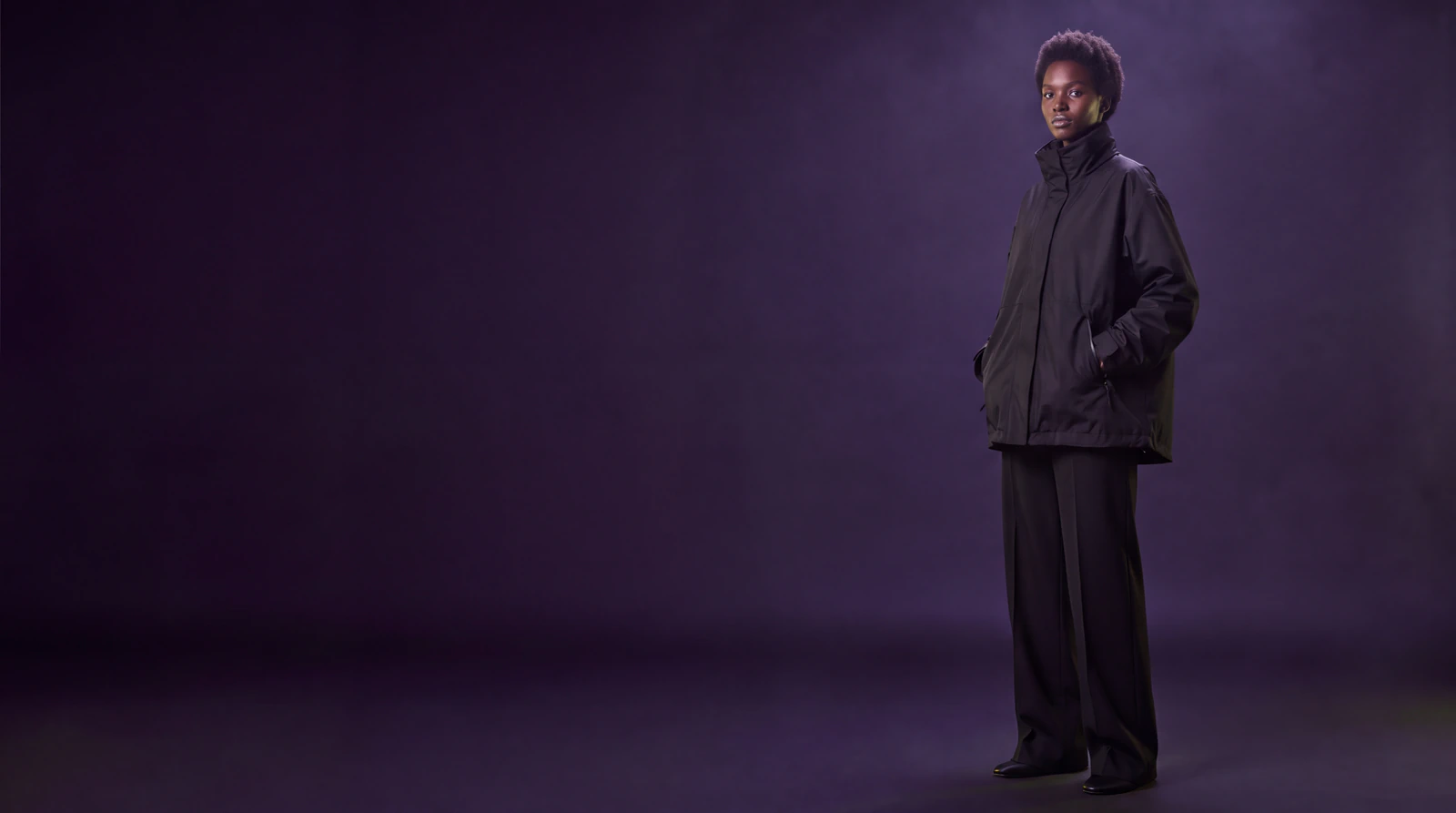
Purple Lab
AI tools for fashion brands.
Our first formula, AI Virtual Try-On, puts a Try It On button on your Shopify product pages, so your shoppers can see your clothes on themselves before they buy.
Generated with AI
Front, side and back.
One, two or three views per product. You pick, and each view costs one credit.
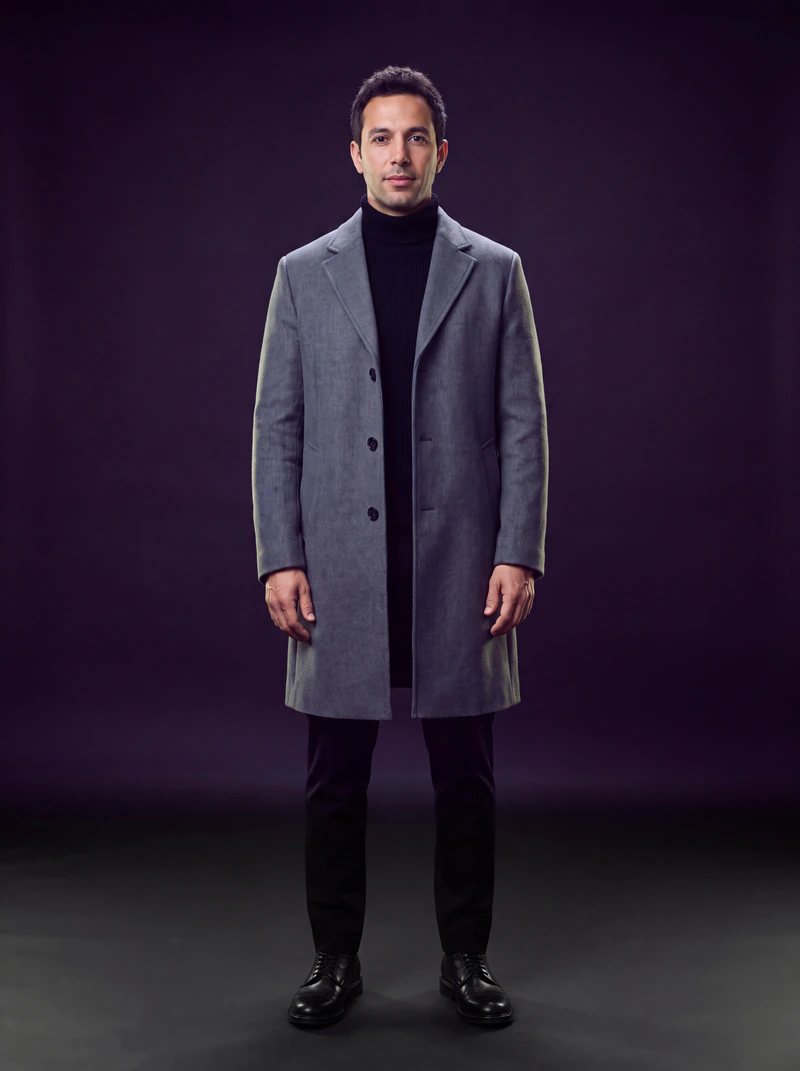
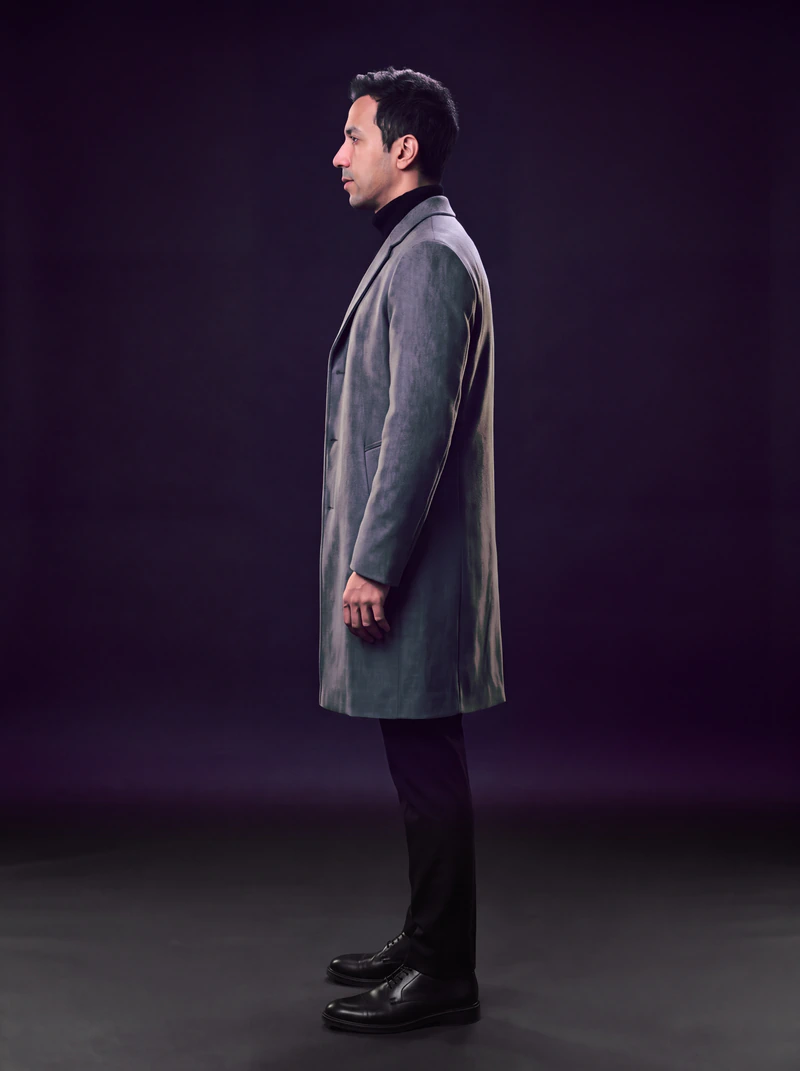
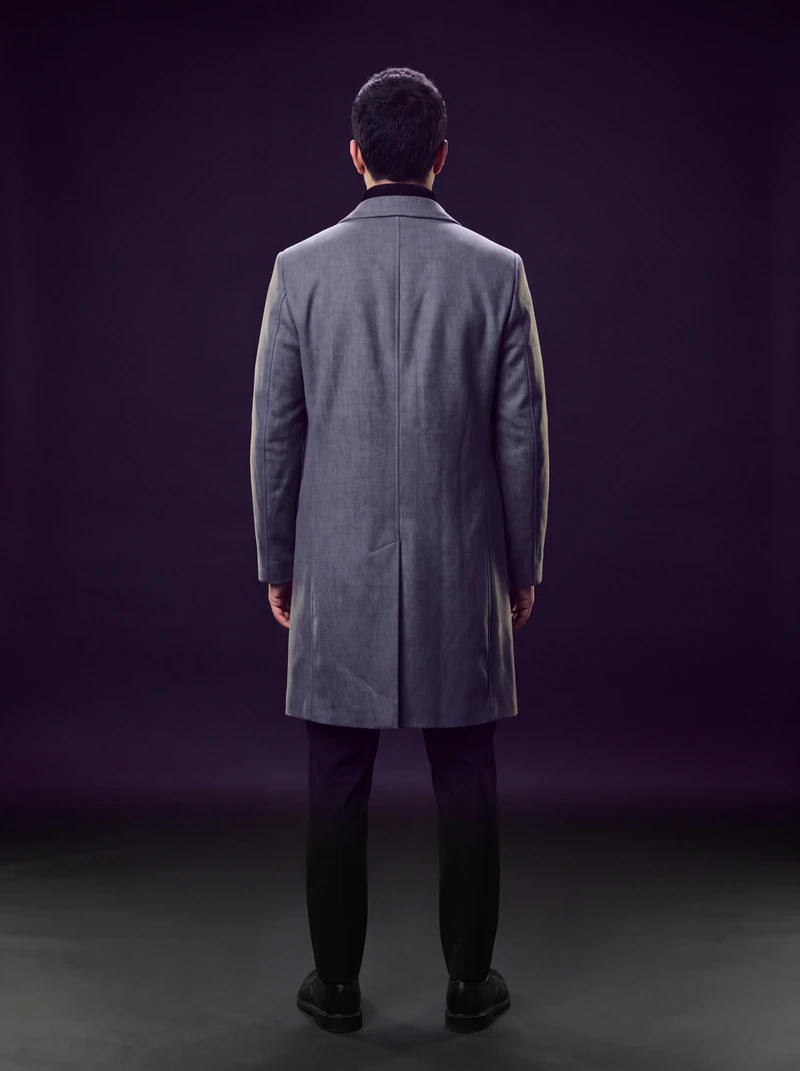
Today it works best on tops, outerwear and dresses. Trousers and footwear are not supported yet.
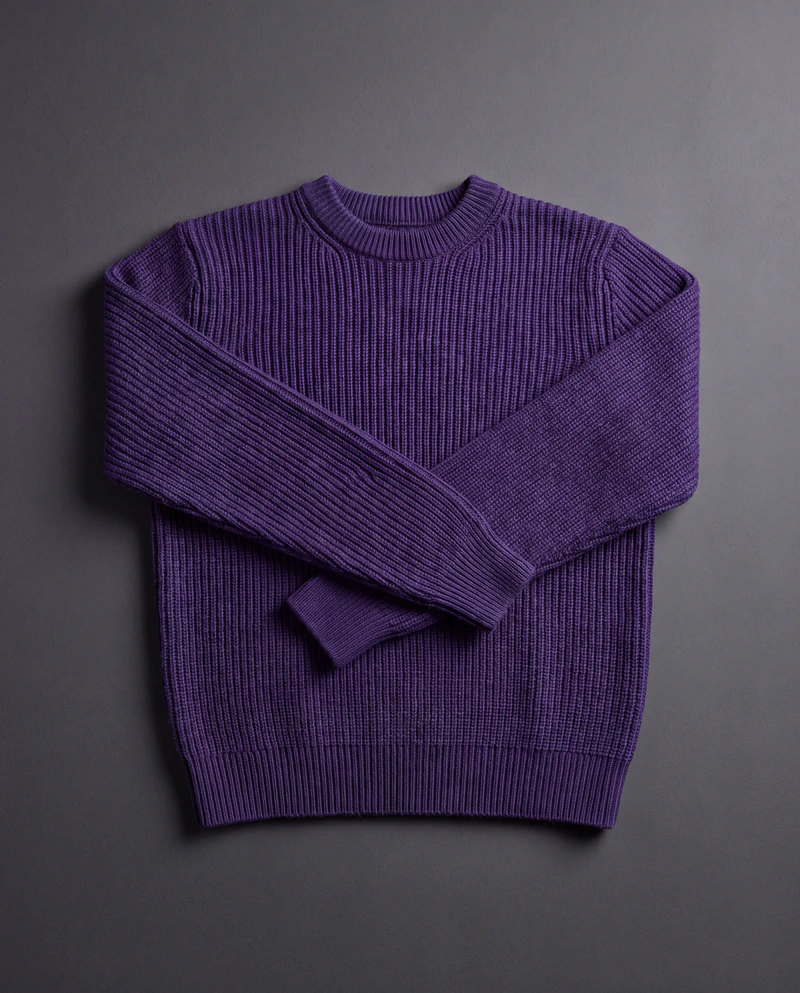
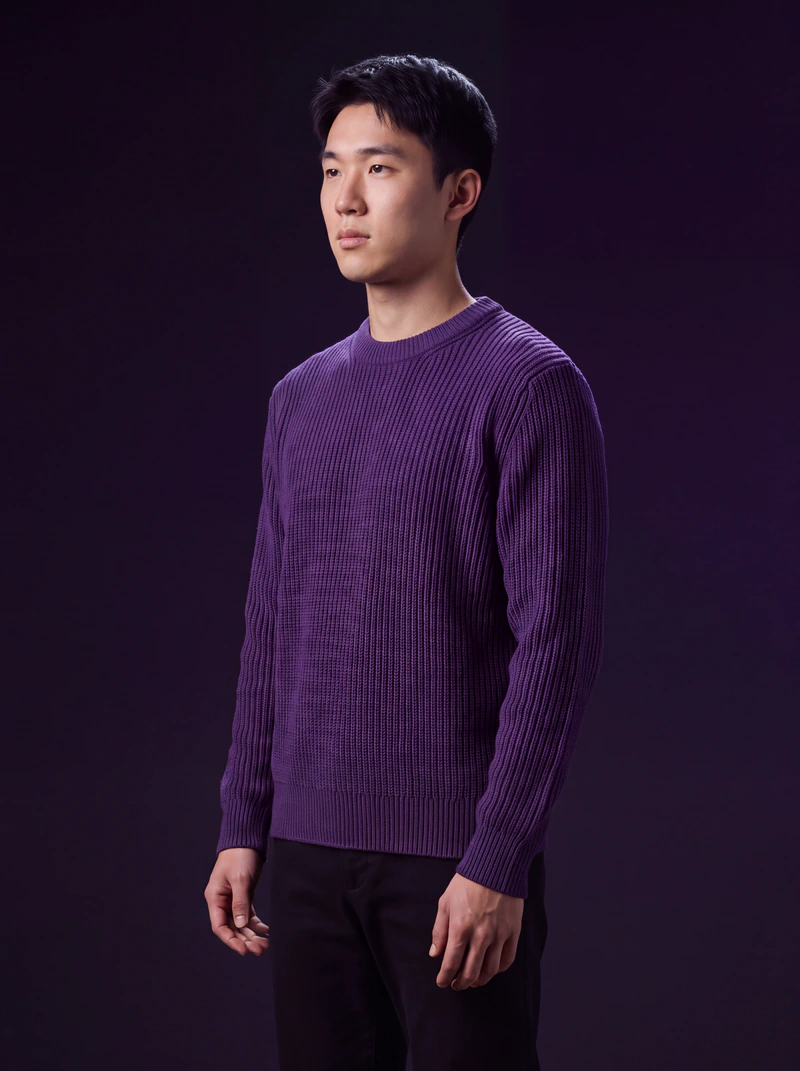
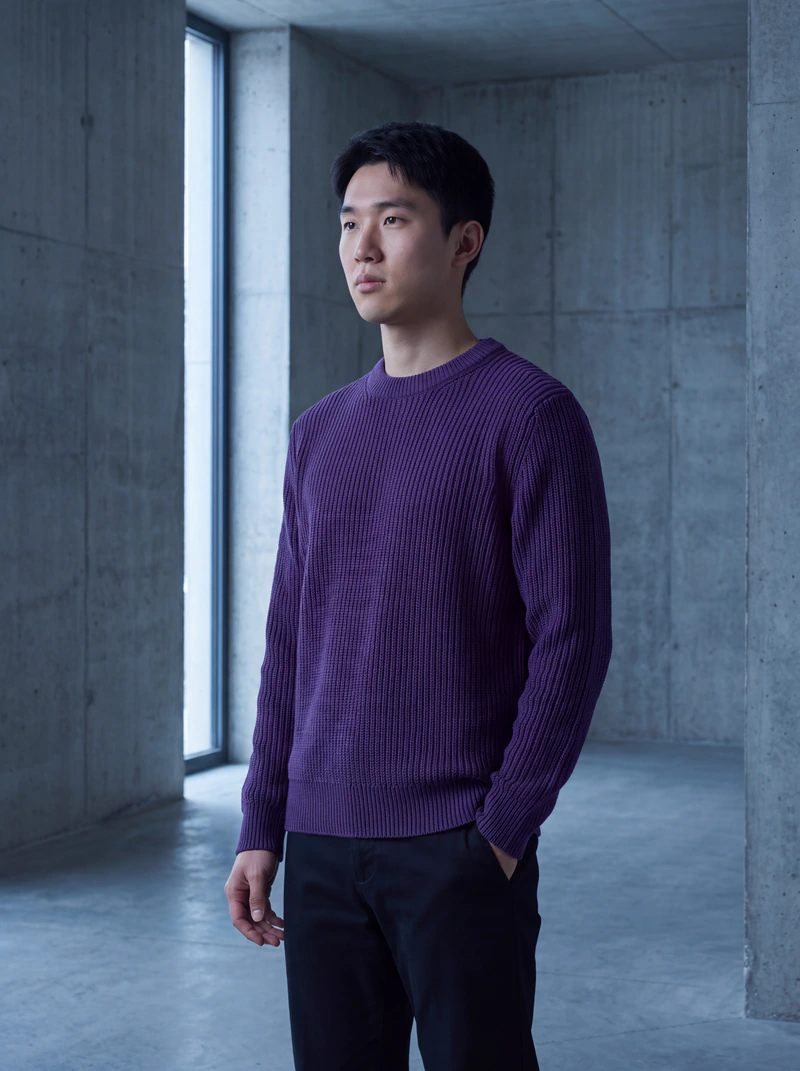
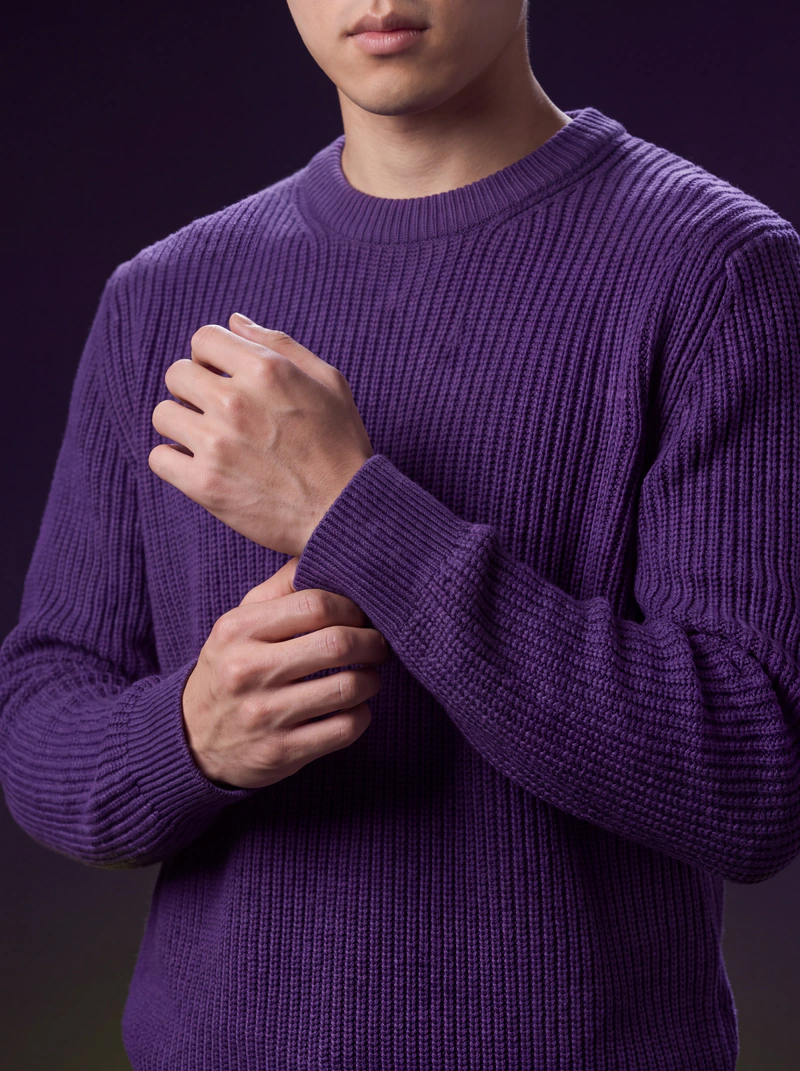
AI Virtual Try-On also makes your model photos.
Generate a model wearing your product, by angle and background, from the admin. One credit per angle.
Your photo is not stored as an image.
It goes to Google Gemini to make the try-on, and the result stays in the shopper's browser.
You set the limits.
Per-product settings and usage caps. Try-ons pause when your plan's credits run out, so there is no surprise bill.
Plans, and what a try-on costs.
One credit is one view. Front only costs one credit, front and back costs two, all three angles costs three.
Trial
Free
for 7 days
150 credits
Starter
$18.98
a month
150 credits
Growth
$44.98
a month
700 credits
Premium
$149.98
a month
2,500 credits
Billed through Shopify, alongside everything else you pay for. Cancel from your admin at any time.
No overage charges. When your credits run out, try-ons pause until the next month or until you move up a plan. You will never get a bill you did not choose.
The formulas
One lab. More formulas on the way.
Formula 01 · Live on Shopify
Virtual Try-On
Shoppers see your garments on themselves from one photo, and you make model photos from a flat-lay.
Formula 02 and beyond · In the lab
More tools, more platforms.
New formulas are in development, built for the other places brands sell. We will announce each one here when it is ready.
Questions
Including the ones that are awkward to answer.
How does it work?
A shopper uploads one photo on your product page. The app sends that photo and your product image to Google's Gemini image model, which returns the shopper wearing the garment. It takes a few seconds.
What does it work on?
Tops, outerwear and dresses give the best results. Trousers and footwear are not supported yet. If you sell those, wait for us or test on a top first.
Do I need special product photos?
No for a front-only try-on; it uses the product image already in your Shopify catalogue. For back and side views you upload those angles yourself, per product.
What happens to a shopper's photo?
It is sent to Google Gemini to create the try-on. Purple Lab does not save the uploaded photo as an image. The result stays in the shopper's browser session so they can view, share or download it.
How long does setup take?
Installing the app and adding the button to your theme is a few minutes. Configuring each product takes as long as you want to spend choosing angles.
Will it slow my store down?
The button is a theme app block and the try-on opens in a window over your page. Your product page loads as it did before.
Can I control how much it costs?
Yes. Set which products it appears on, how many views each one generates, and a per-shopper usage limit. Try-ons stop when the plan's credits are used.
What is a model photo?
A generated photograph of a model wearing your product, in the angle and background you choose, made from the admin rather than by a shopper. Useful when you have a flat-lay and need something on a body.
Can I generate my whole catalogue at once?
Not yet. Model photos are generated one product at a time, and generated images are not published back to your product media automatically. Both are on the list.
Can I change how the button looks?
Yes. Its text, style and icon are theme settings, so it matches your store.
What if a result looks wrong?
Try a different photo first; lighting and a clear full-body shot matter more than anything else. If a product consistently produces bad results, email us and we will look at the product images.
How do I get help?
Email, and a person answers. There is no ticket queue to get lost in.
See it on your own products.
Install it, turn it on for one product, and look at the result before you decide anything else.